
MAVLAB · FLAGSHIP PROJECT
A safer first step into real drone systems.
MAVLab turns an Android phone into a hands-on drone simulator. Learn telemetry, control, missions, failures, and QGroundControl workflows before real hardware is at risk.
Drone simulation is powerful, but the first setup can be intimidating. MAVLab puts the important ideas in one approachable app, then helps learners graduate into the professional stack with stronger intuition.
v1.6.0: a clearer way to learn.
A refreshed interface, deliberate controls and more visible system behavior. The simulation runs on your phone; QGroundControl is optional for local flight.
Before installing: Android 8.0+. This release is debug-signed and cannot update the official v1.5.3 APK in place. Export recordings, save QGC plans and note settings before changing installations. Uninstalling erases app data; there is no automatic migration. Read the upgrade guide ↗
Four focused views
Cockpit, Control, SIM and Ops share mission context. A nine-step tour, smooth swipes and optional full screen make the app easier to explore.
Clearer state and control
Combined altitude/attitude charts, explicit control authority and phone steering across the flight views keep the simulated vehicle easier to follow.
A clearer digital twin
A centered starting camera and improved inspection lighting make the 3D drone easier to see as you orbit.
Health, recovery and recordings
Ops brings link state, incidents, failure exercises and recording review together. Recording starts only when you choose, including during AUTO missions.
More resilient MAVLink
Unsigned MAVLink 2, targeted acknowledgements and missing-item retries improve transfers. Failed replacement uploads preserve the accepted plan.
Simulated fences and rally returns
Separate fence/rally plans, explicit fence enablement and engine-driven return or landing let learners explore safety behavior within the simulator’s documented limits.
Videos play only when you choose. Audio controls are available in the player.
October development captures show the updated interface. They do not establish final-release device acceptance or demonstrate fence/rally recovery. Media details ↗
Missions appear where you need them: Cockpit progress, Control actions, received routes in SIM and upload evidence in Ops. Upload plans from QGroundControl.
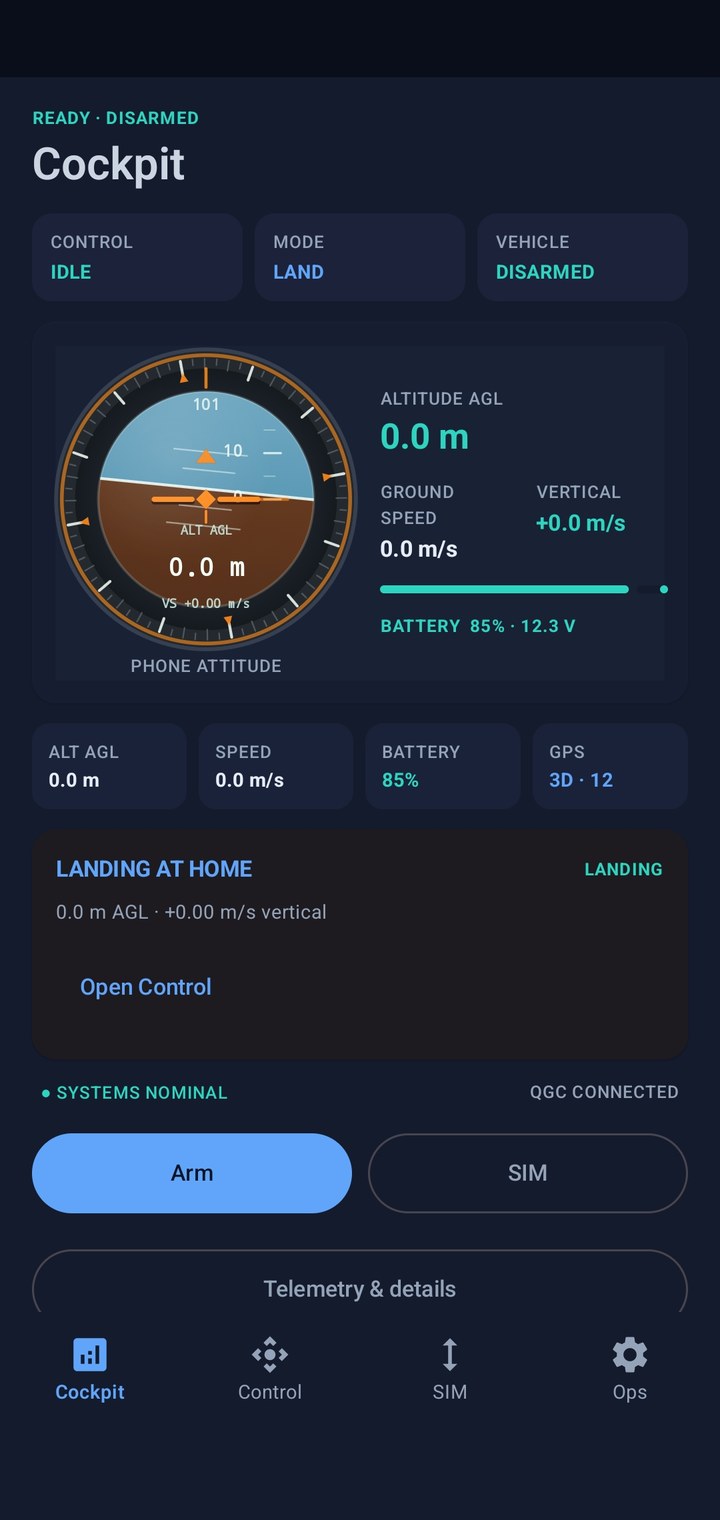
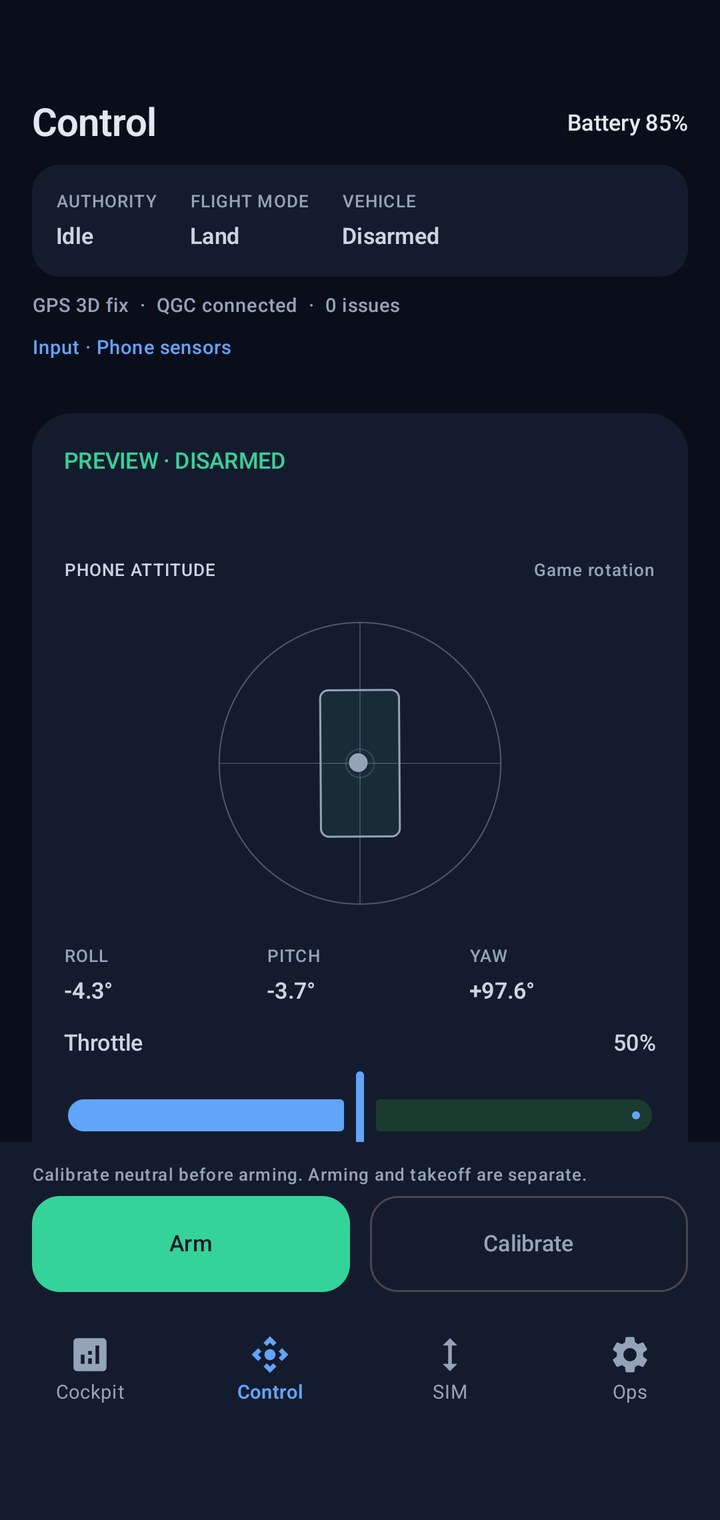
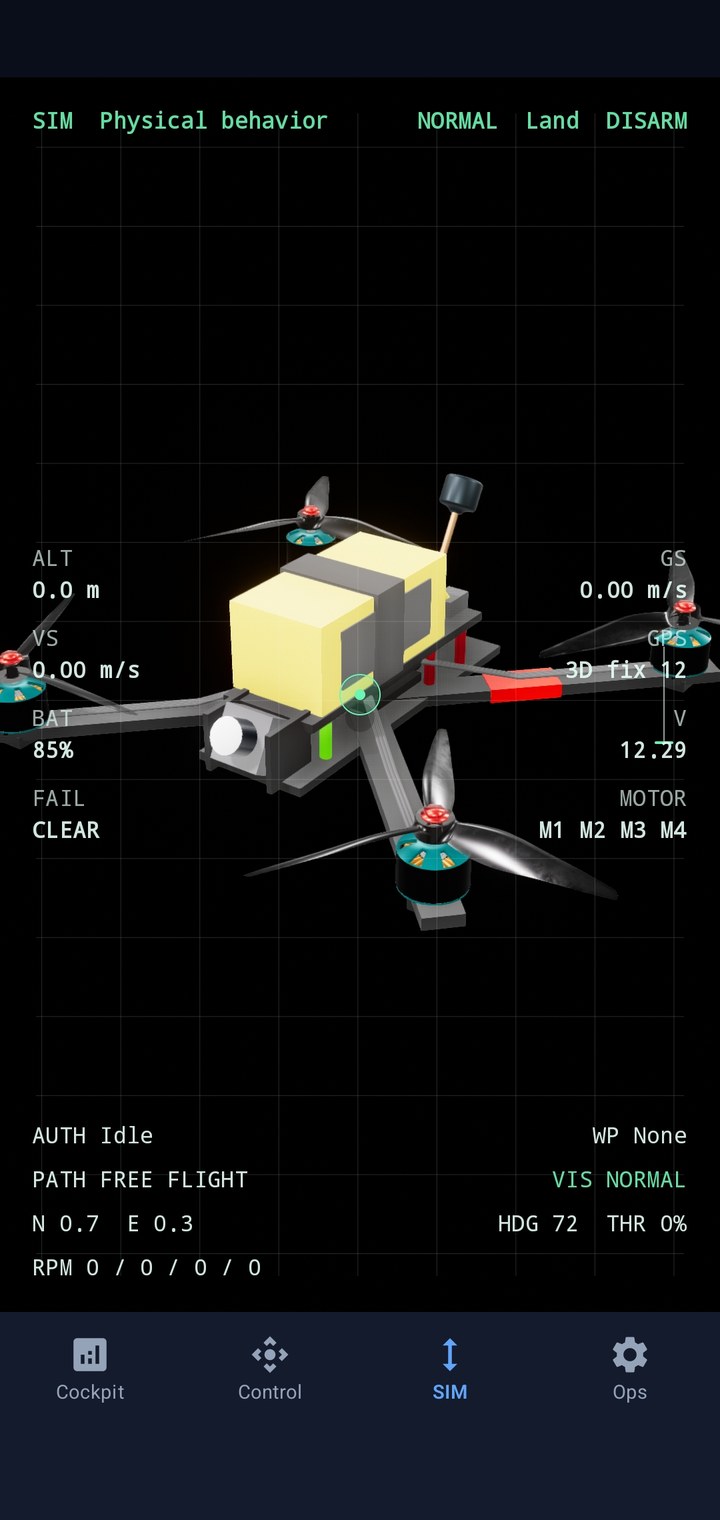
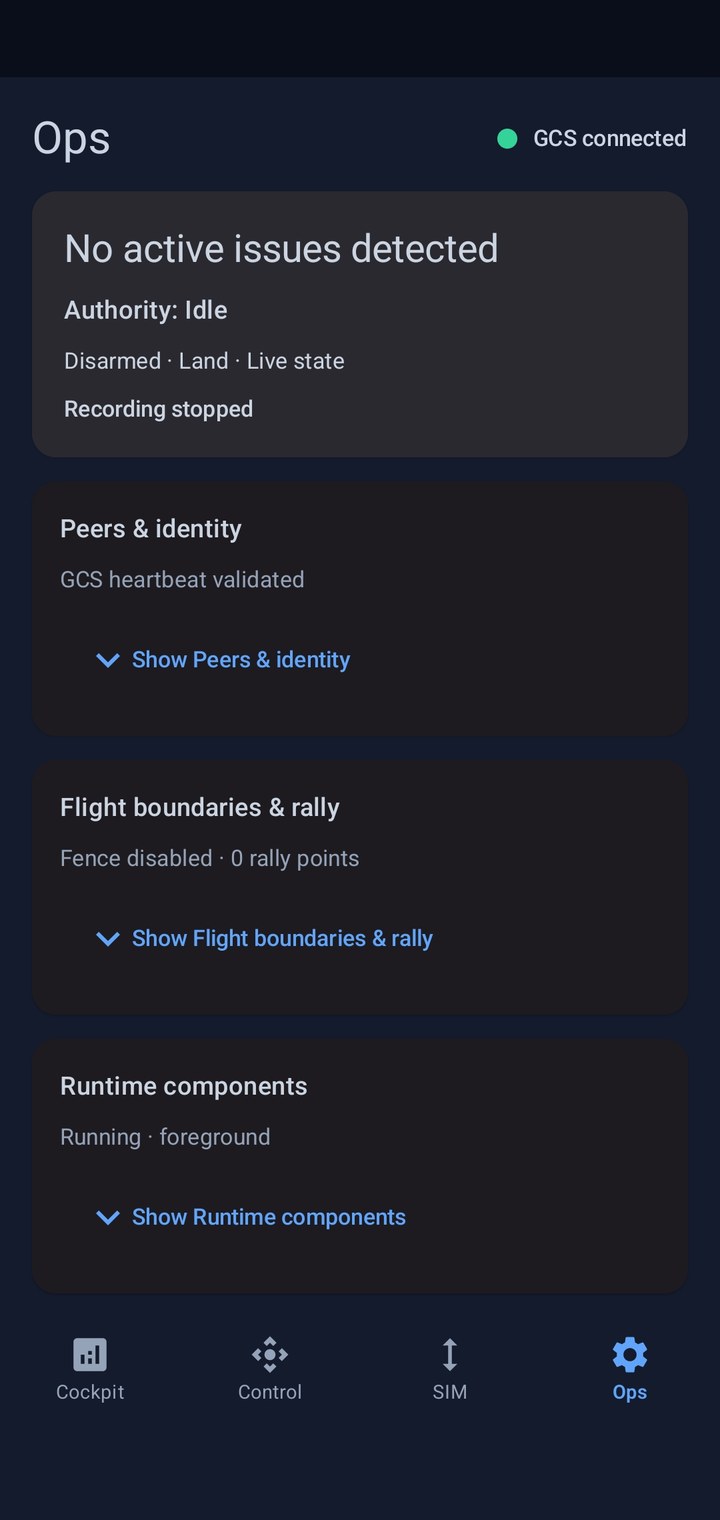
- 01Understand the current drone state
- 02Arm, take off, and control
- 03Connect QGroundControl if needed
- 04Upload or run a mission
- 05Watch telemetry and 3D state
- 06Inject or observe a failure
- 07Review and export a session recorded through Ops
- Released as open-source Android software under Apache 2.0.
- v1.6.0 host checks passed: 307 unit tests, APK/AAB assembly and lint with zero errors.
- Final v1.6.0 phone/QGroundControl qualification remains deferred; earlier device results are tracked separately.
- The published technical paper documents v1.5.0. Its results remain scoped to that version.
MAVLab builds intuition in a simulated vehicle. Flat ground and straight-line returns do not model terrain or obstacle avoidance; MAVLink signing and full ArduPilot equivalence are outside its scope. Learning outcomes still need a controlled study. Read the release evidence ↗
Make drone simulation learnable.
Next priorities are stable signing and upgrade policy, final-release phone/QGC qualification, broader device checks and classroom learning-outcome evidence.